EPOS integrations
Connect the till.
Keep service moving.
Pay at the counter, settle the bill at the table, or take orders and payments with Pocket. Find the approach that fits your business.
Your EPOS is your electronic till system. A supported integration links it with Dojo so payment information can move between them.
01 · At the checkout
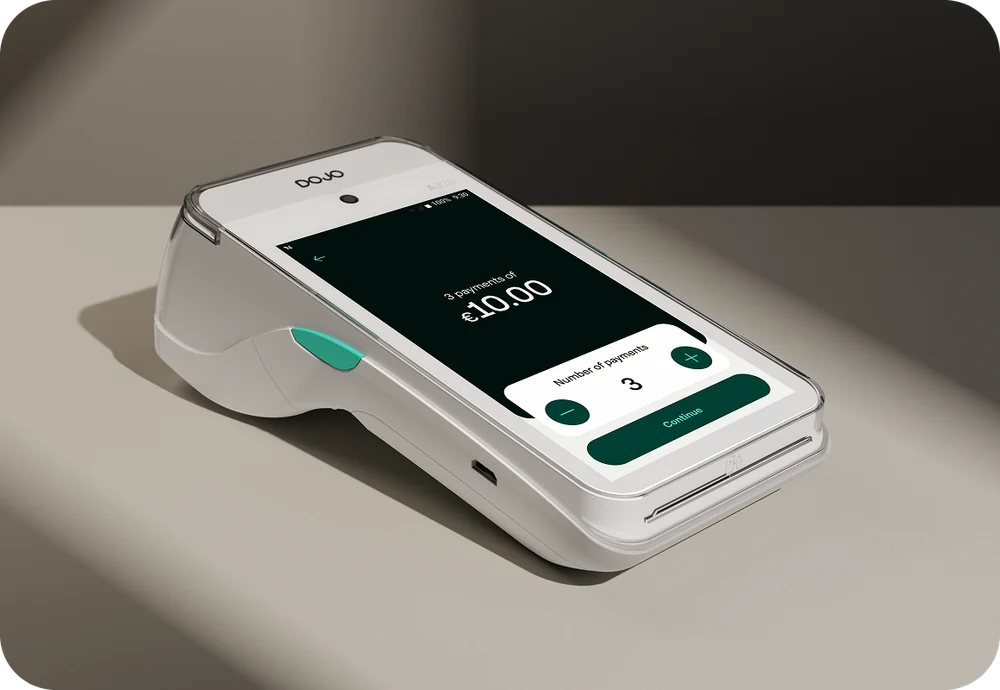
Pay at Counter
The sale starts on your till. The amount goes to the card machine automatically, reducing the need to key it in twice.
For shops, cafés, bars and other counter-service businesses.
- Ring up the sale on the till.
- Send the amount to the terminal.
- Take payment at the counter.
02 · Beside your customer
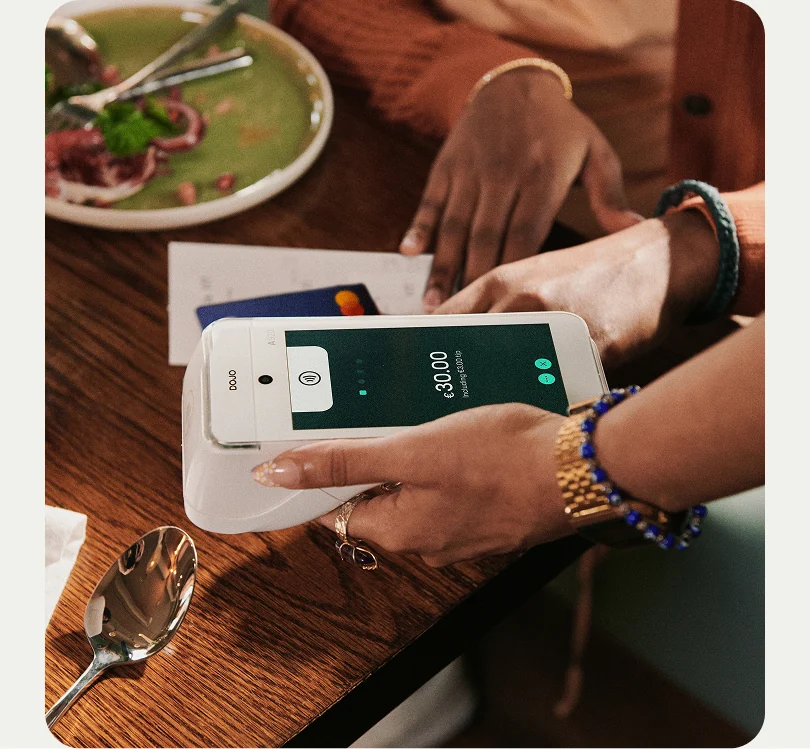
Pay at Table
Bring the bill and payment to the customer. A supported integration lets your team retrieve the bill, split payments and handle gratuities on the terminal.
For restaurants, hotels and venues with table service.
- Retrieve the table’s bill on the terminal.
- Let the customer settle at the table.
- Record payment against the bill through the integration.
03 · Orders and payments
Dojo Pocket
A handheld device that can bring ordering and payment together. With a supported EPOS partner, staff can take orders and accept payment without returning to a fixed till.
For hospitality teams that want to manage more of the service at the table.
- Handheld ordering with selected EPOS systems
- Card and mobile-wallet payments
- On-screen bills and digital receipts
Pocket uses selected EPOS integrations. We’ll confirm Irish availability and the exact ordering, payment and receipt functions for your setup.
Ask about Pocket compatibility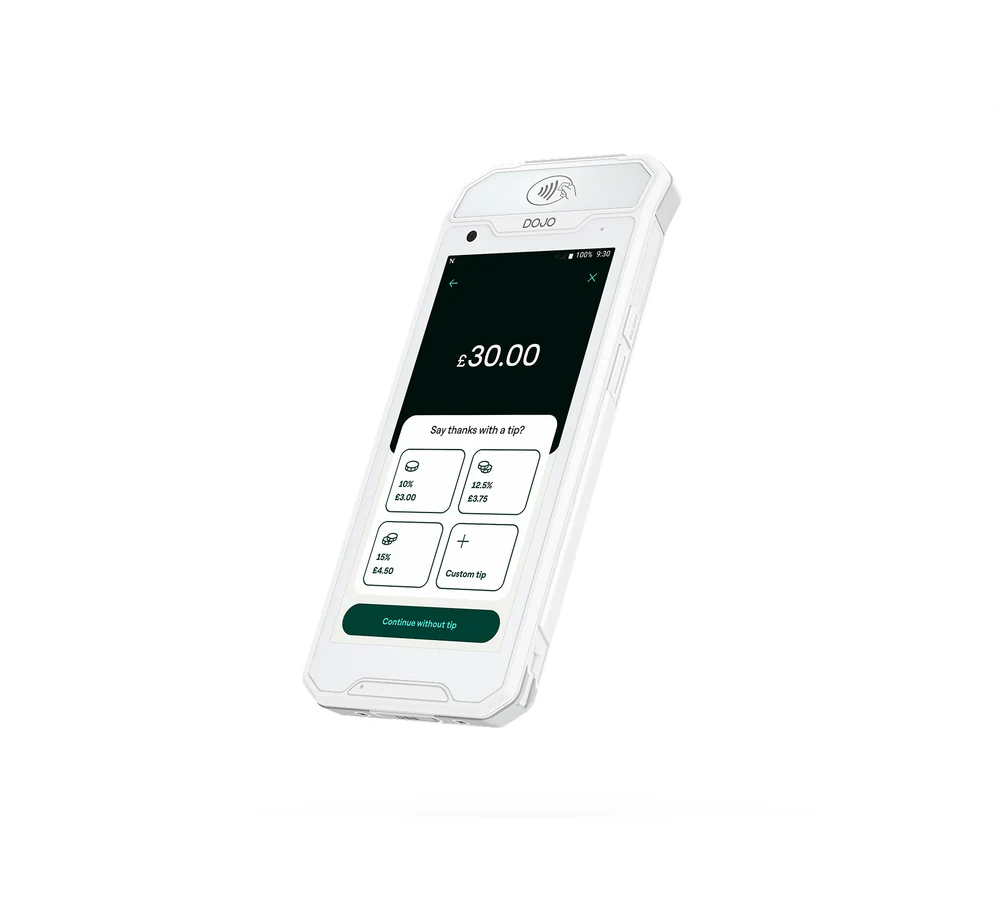
Check your existing till
Which setup will work for you?
Tell us your EPOS provider, software version and how your team serves customers. We’ll check compatibility and explain any provider setup work or charges before you decide.
Features vary by provider and software version. A card-machine connection alone does not guarantee table billing or Pocket ordering.
Supply or support EPOS systems?
Introduce a merchant to Healco and coordinate the payment requirements with our team.